Newsletter & editorial / marketing
Member watch-list letter
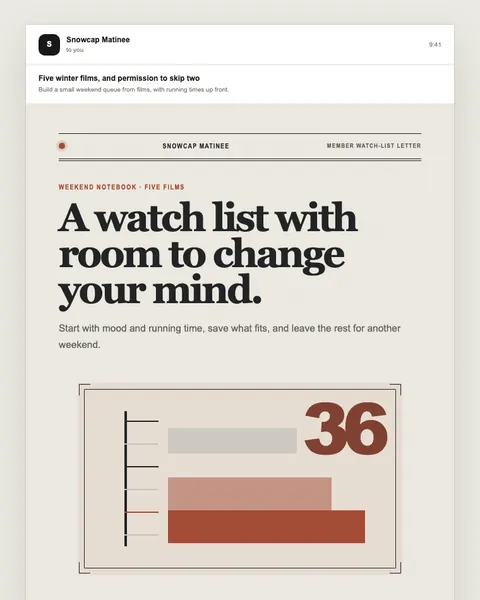
Independent cinema discovery digest
Open published preview ↗Use a conversation to clarify the brief, then keep the draft and the review anchored to source material.
Use public examples or approved redacted source material.
Name protected facts and keep the request draft-only.
Check actual MCP availability, permissions, and the AI provider's data settings.
Prepare an email from my approved sources. List missing facts first. Preserve required wording, identifiers, prices, and preference links. Return a draft and a change summary; do not send.
Prepare an email from my approved sources. List missing facts first. Preserve required wording, identifiers, prices, and preference links. Return a draft and a change summary; do not send.
Workflow guidance, not a claim of a verified public connector. Confirm connection, workspace, identity, and permissions before using any assistant with an account.
Real entries in the public library. Preview each design, choose its delivery flow, and replace illustrative content with your approved facts.
Independent cinema discovery digest
Open published preview ↗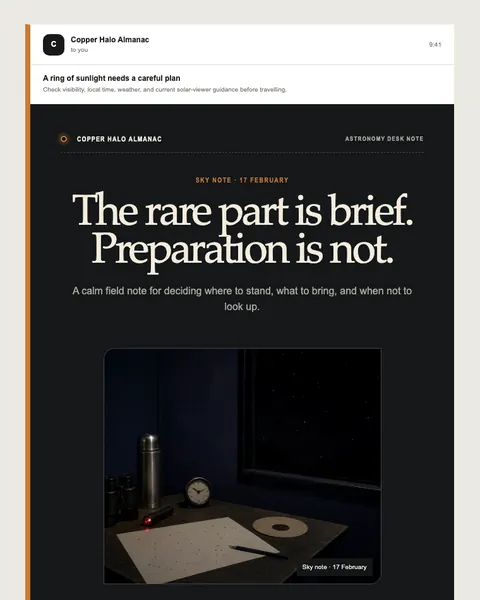
Safe annular-eclipse planning newsletter
Open published preview ↗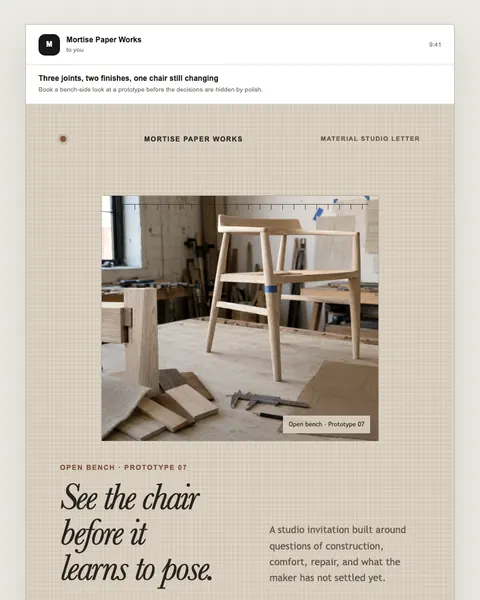
Furniture prototype appointment campaign
Open published preview ↗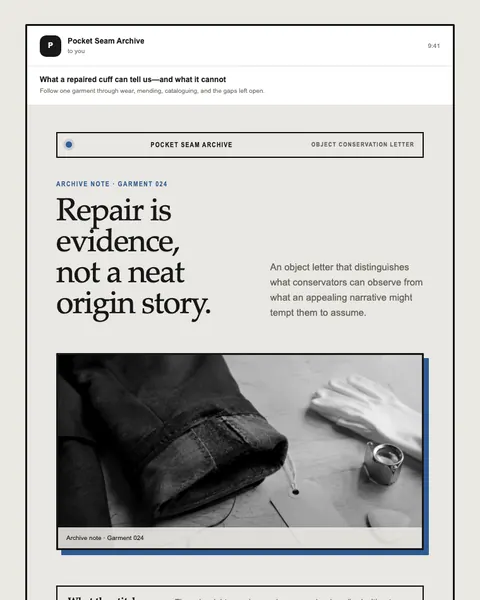
Fashion repair and provenance newsletter
Open published preview ↗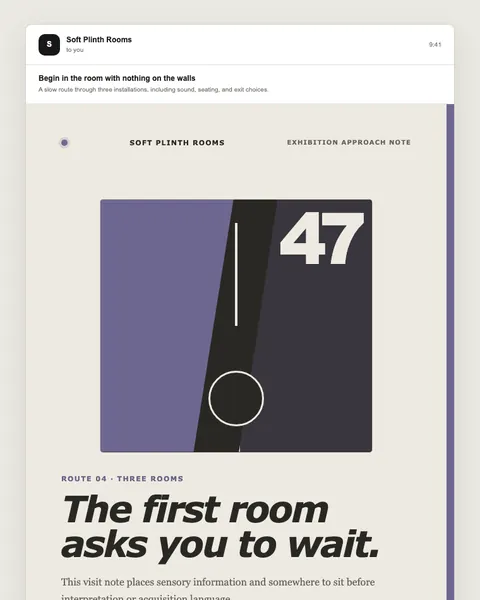
Contemporary gallery visit campaign
Open published preview ↗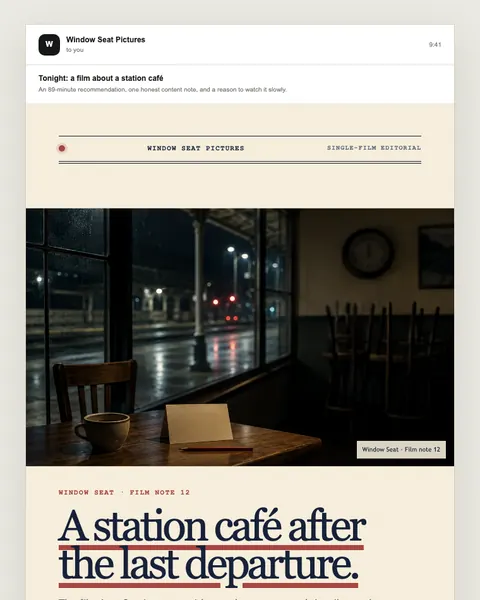
Boutique streaming recommendation
Open published preview ↗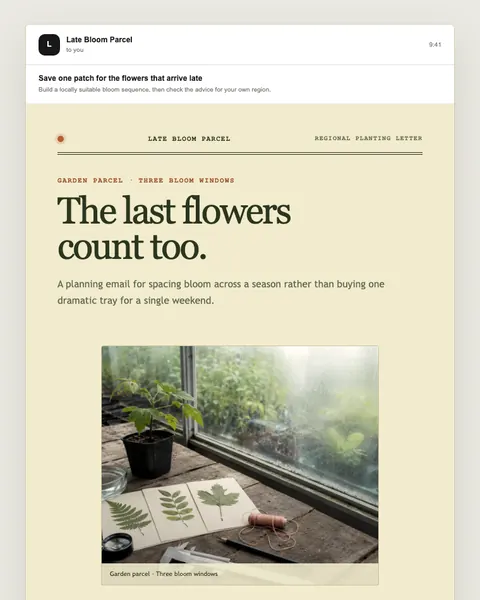
Native-plant nursery campaign
Open published preview ↗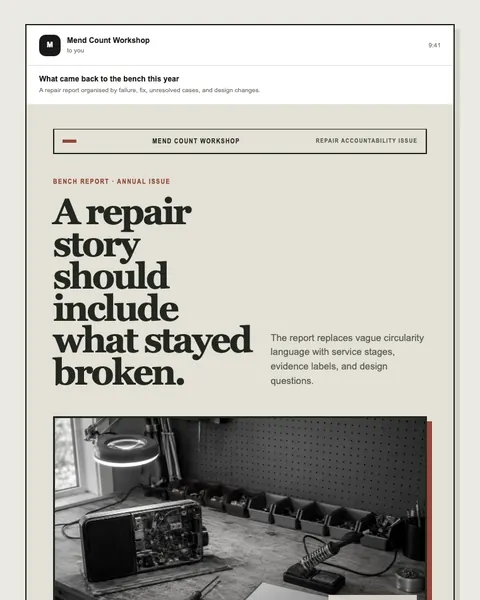
Product-life annual editorial
Open published preview ↗These are starting points, not a claim of a completed or activated campaign. Studio examples may need structural changes for your use case.
Talk to Moosewave about your workflow. For technical context, see documentation and security.