

001Transactional
 Open preview ↗
Orders & delivery
Email template library
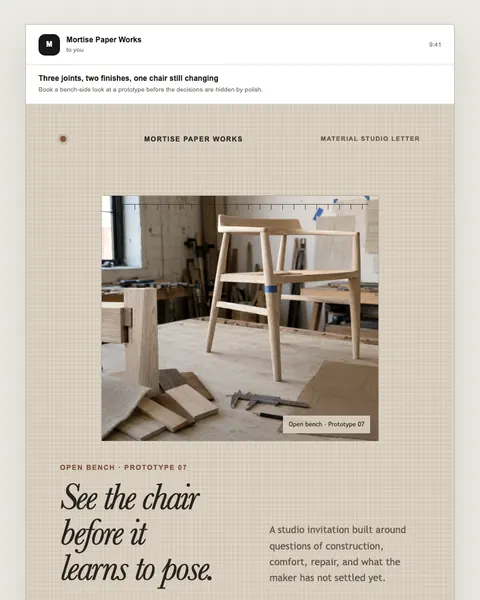
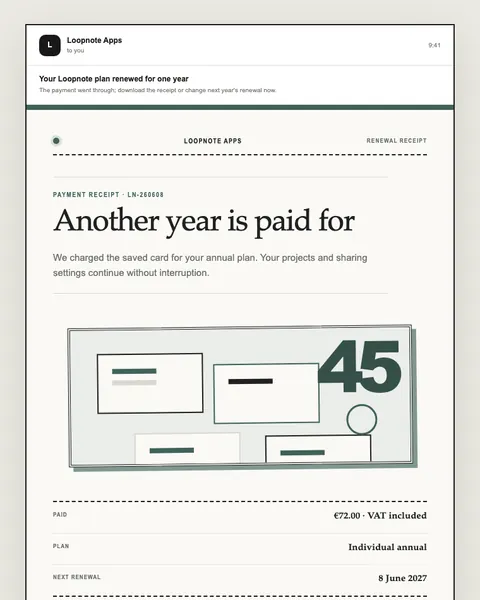
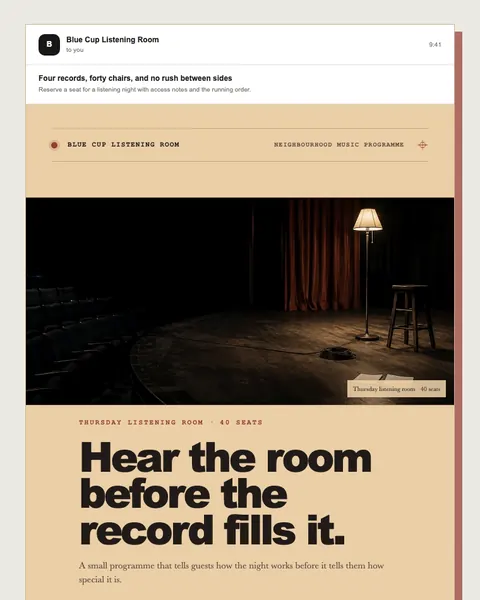
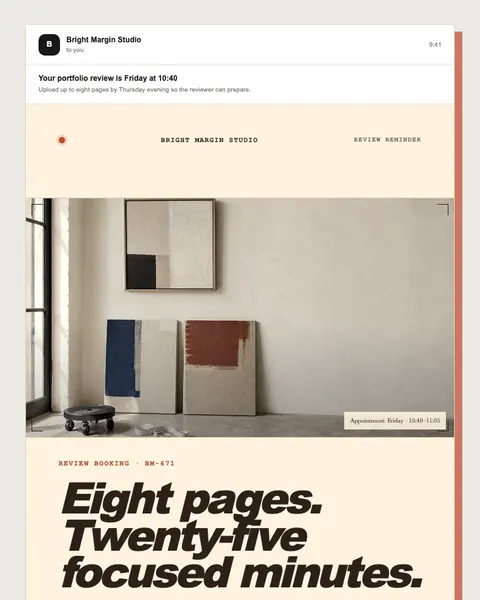
Find a responsive email structure built around a specific job, not a generic mood board. Browse 205 independently designed marketing and transactional examples, have any of them sent to your inbox as HTML, or open one of five hands-on templates to edit the copy, compare seven languages, and prepare an MCP brief for when AI assistant connections open.
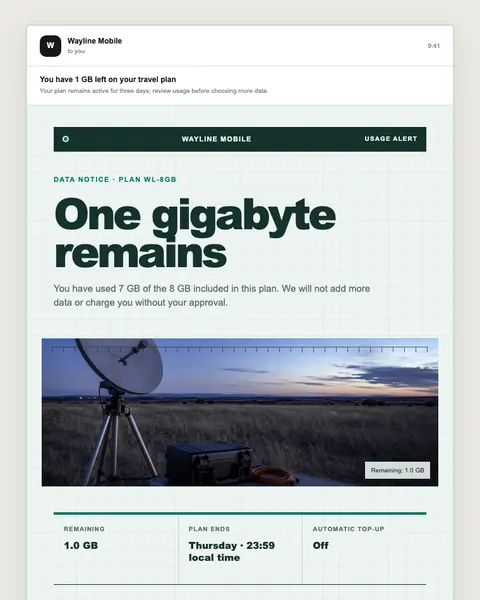
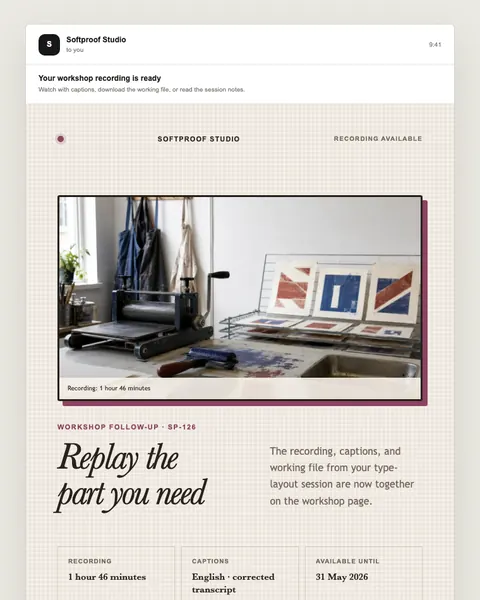
Five hands-on studios
Pick a focused starting point, change every visible field, compare desktop and mobile, and review a Gemini proposal. Each one can also be sent to your inbox as HTML.
Set expectations and earn trust
Publish one idea with clarity
Explain an offer without manufactured urgency
Help a customer sign in safely
Explain a change and offer one next step
Hands-on template studio
200 independently designed examples
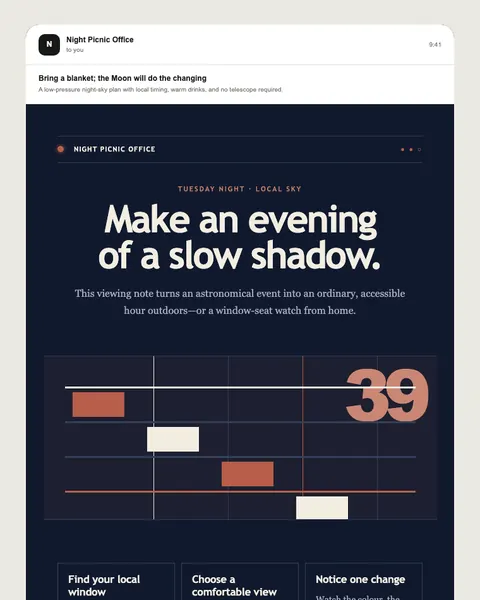
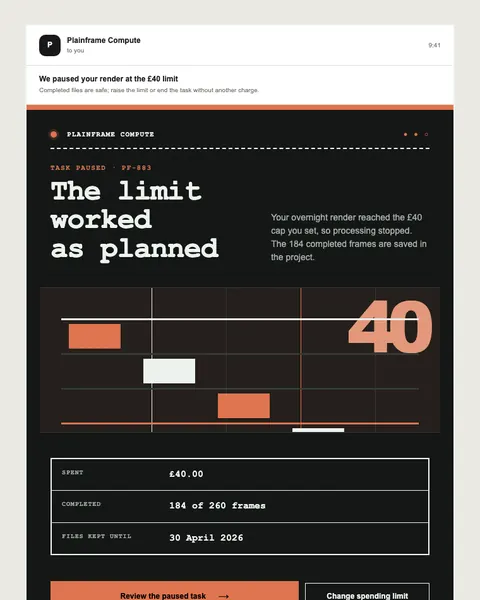
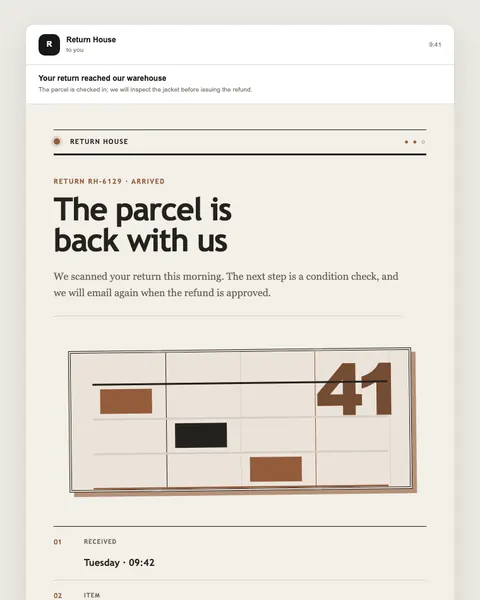
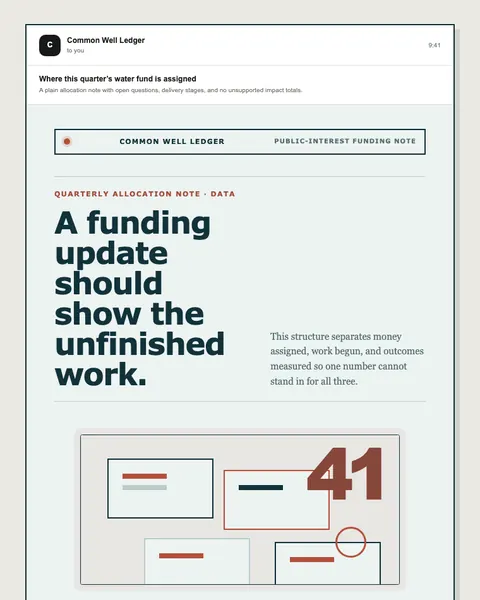
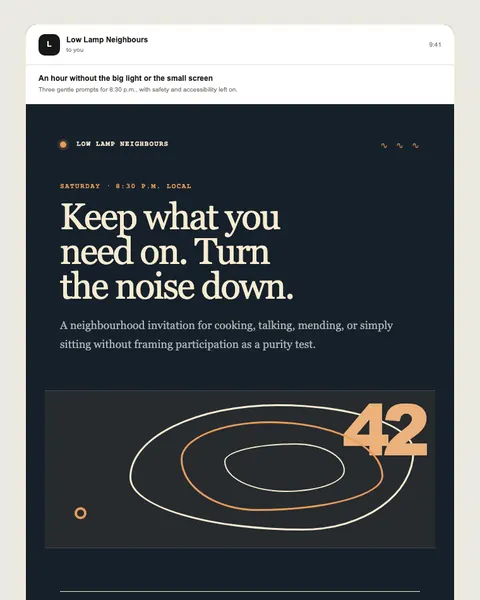
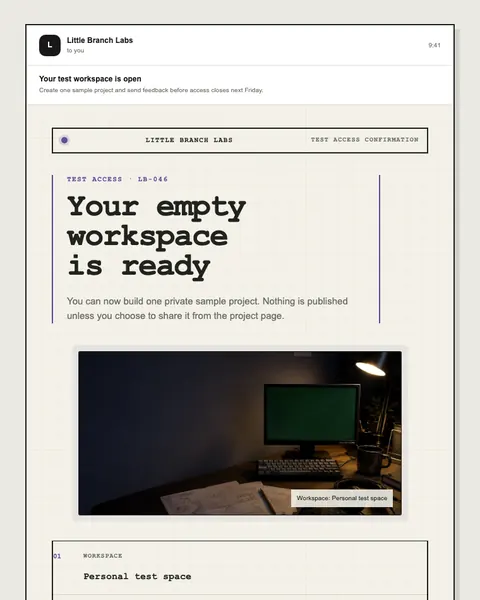
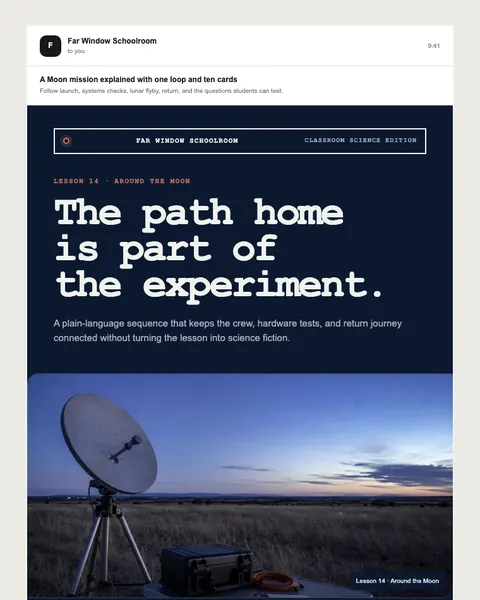
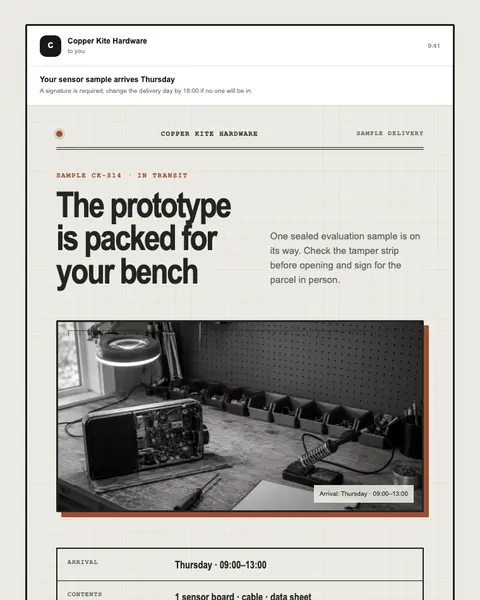
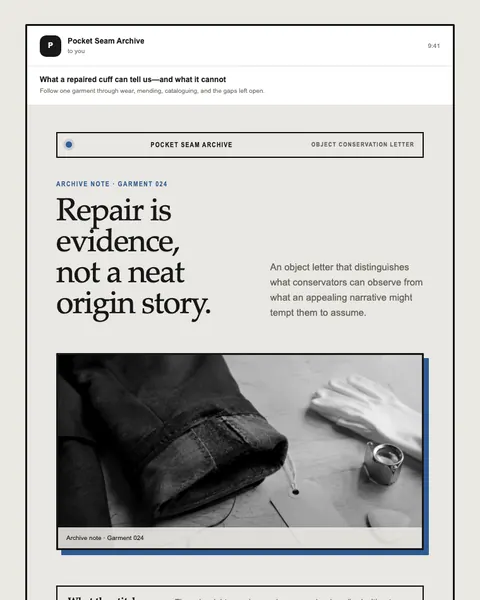
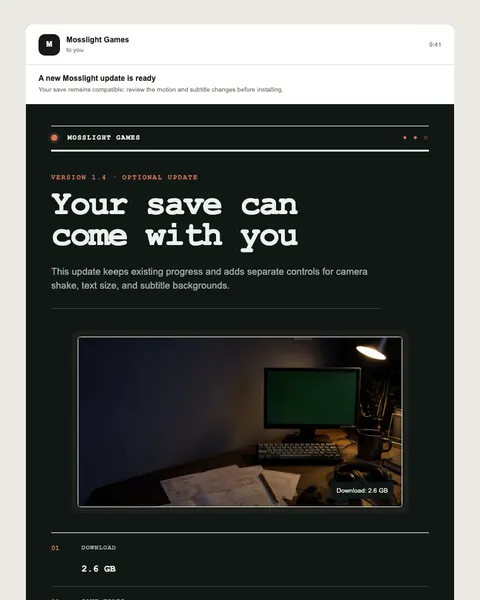
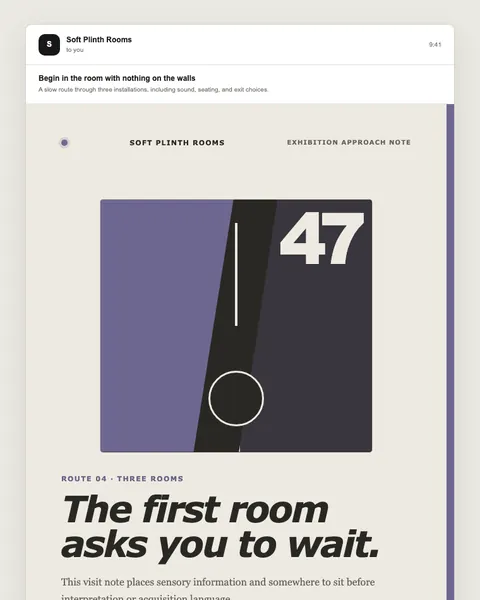
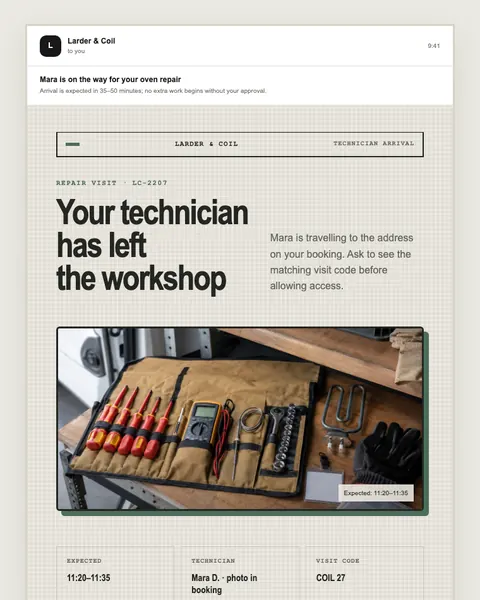
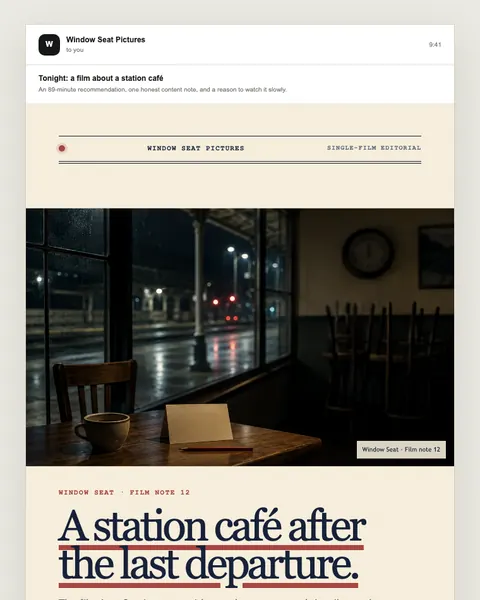
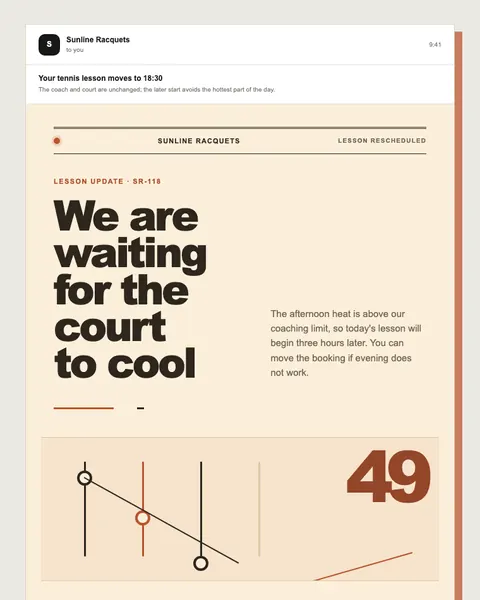
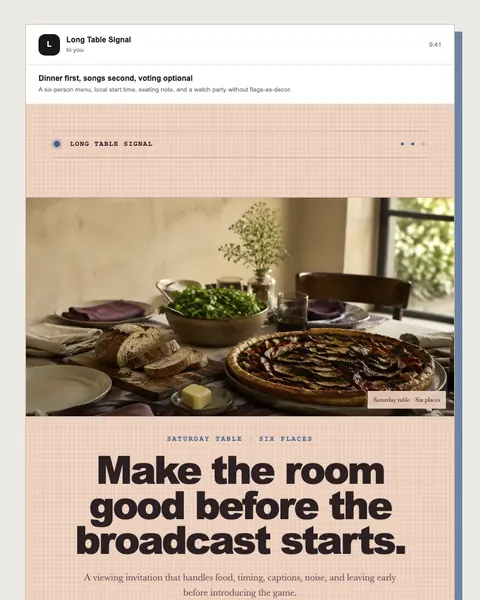
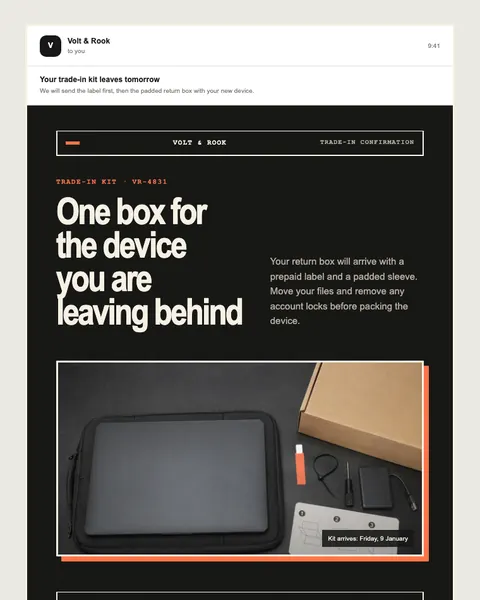
Search by the job, not by a vague style name. Every result opens a complete responsive preview with its starting copy and structure.
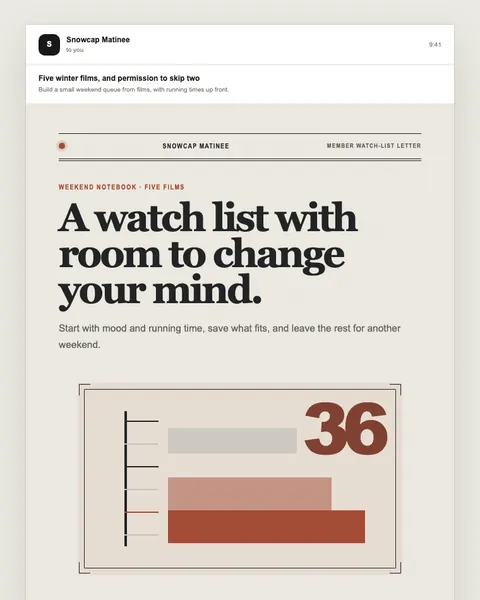
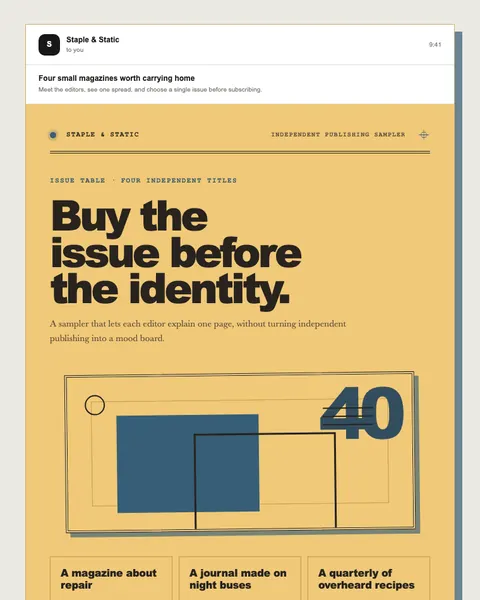
Featured designs
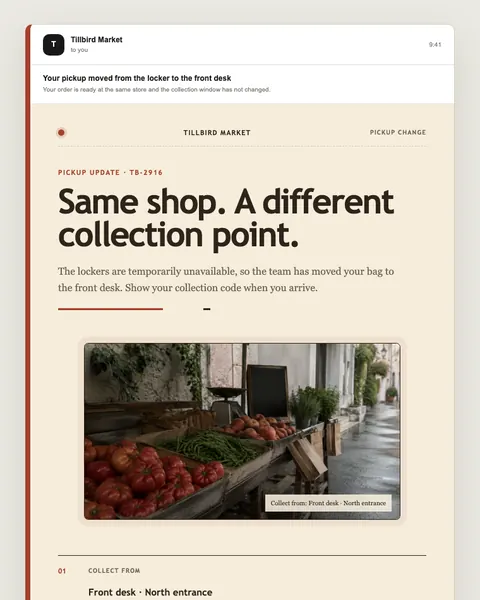
Open preview ↗Orders & delivery
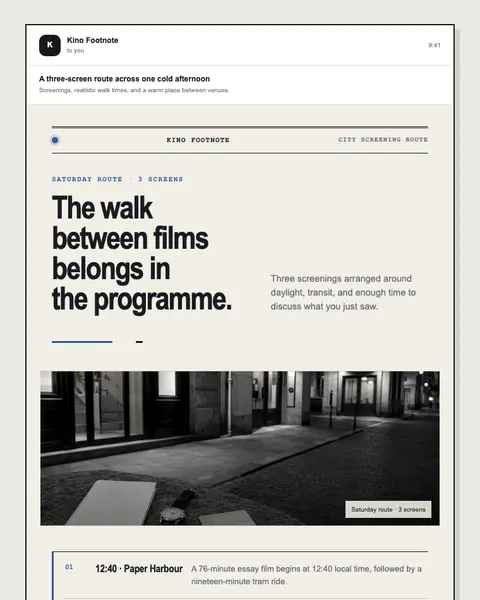
Open preview ↗Alerts & status
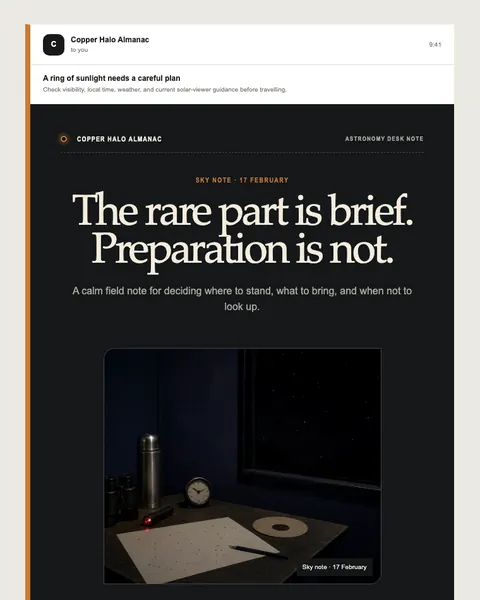
Open preview ↗Service & account
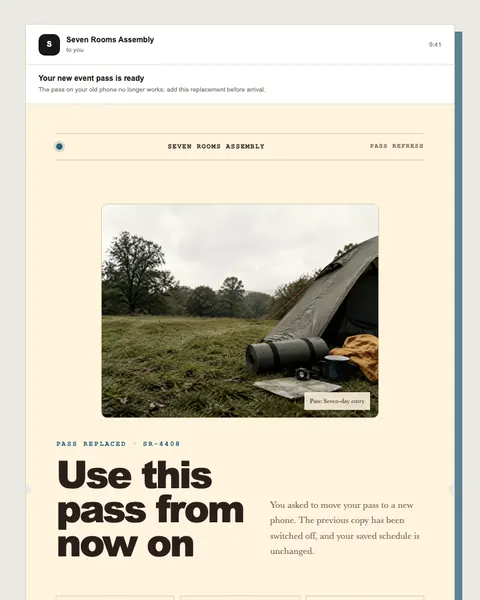
 Open preview ↗
Newsletter & editorial
 Open preview ↗
Product & offer
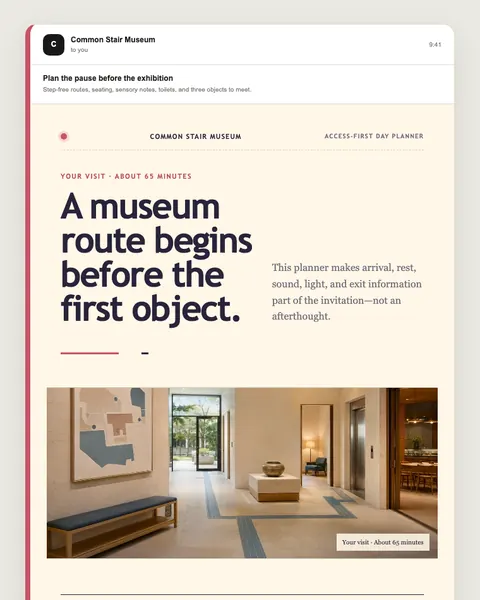 Open preview ↗
Event & invitation
Free · responsive HTML
Pick one of the designs above or an editable studio, and we’ll send its responsive HTML to your inbox. Free, and no account needed. Every template page has the same option.
Complete directory
Search all 205 templates, the editable studios included, by message type or job. The numbered pages list every read-only example as normal links, so the library stays browseable without JavaScript.
Showing 28 on page 1 of 8. Search covers all 205 templates, the 5 editable studios included.
A useful email template is more than a styled rectangle. It records the purpose of the message, the information that may change, the fields that must remain, and the response a reader should be able to take. That gives a person, or an agent, a clear starting structure to adapt and review.
Each public template exposes enough structure to understand and adapt it. The illustrative canvas is deliberately separated from a send-ready draft, where workspace data, permissions, and rendering checks belong.
The goal and customer moment are named before visual choices, so adaptation does not erase the message’s purpose.
Subject, preheader, visible copy, and named template variables stay inspectable. Required footer and permission controls belong to the authenticated workspace draft.
The studio changes the canvas width so long subjects, code blocks, buttons, and dense copy can be inspected early.
In a connected Moosewave workspace, using a template creates a new private draft. Browser edits and public AI proposals do not mutate the library entry.
Browse without an account. Customize a local preview. Have a template’s responsive HTML sent to your inbox, or ask Gemini for a structured proposal that you can compare before applying. Saving editable files, brand data, or a private draft will need a Moosewave account, and public signup is not open yet.
Browse 205 examples by outcome, or open one of the five hands-on studios.
Change the brand, color, subject, preheader, message, details, and device width locally; choose the language for the next Gemini proposal.
Ask Gemini for a copy proposal, compare every changed field, and apply only the parts you choose.
Get the template’s responsive HTML by email today. Private workspace drafts and MCP connections open with early access.
The public page never sends a campaign. The only email it sends is a template you asked for, to the address you entered. Gemini can only propose structured copy, and each MCP brief stops at a workspace draft.
See how MCP access will workYes. All 205 templates have responsive, illustrative desktop and mobile previews you can read without an account. Five hands-on studios also let you edit the brand, color, subject, preheader, and visible copy locally; those edits remain only while the page is open.
Yes. Enter your email on a template’s page and we send that template’s responsive HTML to your inbox, free and without an account. Early-access updates are a separate, optional choice that starts only after you confirm your address. Saving an editable, version-tracked copy in a Moosewave workspace will open with public signup, which is not open yet.
In the five hands-on studios, yes. Describe the change and Gemini returns a structured proposal for review; it cannot return executable HTML, save a draft, or send an email. Nothing is sent to Gemini until you select the safe-use acknowledgement and choose Generate proposal. An accepted generation attempt uses one public daily request, even if Gemini cannot return a usable proposal.
The public studio supports English, Chinese, Hindi, Spanish, French, Arabic, and Bengali. Arabic previews switch to right-to-left reading order. AI-generated copy should still be reviewed by a fluent speaker before use.
Not yet. Connecting an AI assistant to a Moosewave workspace through MCP opens with early access, and public signup is not open either, so there is nothing to connect from this site today. Every template page still includes a complete, copyable brief written for that moment: it keeps the message’s structure, asks for a change summary and previews, and stops at a new draft without sending.
No campaign is ever sent from this site. The only emails it sends are the ones you ask for: a template you requested, to the address you entered, or a confirmation when you choose updates. Browser edits and Gemini proposals change only the five hands-on previews; the other 200 pages are read-only references. Each MCP brief says to stop at a saved draft, and sending stays a separate workspace action controlled by your permissions and review rules.
No. This public library is a separate collection of 205 examples across marketing and transactional email, and a Moosewave workspace has its own template library. Five can be edited in the browser today; the other 200 have complete desktop and mobile previews, readable starting copy, and a copyable brief, and any of them can be sent to your inbox as responsive HTML.