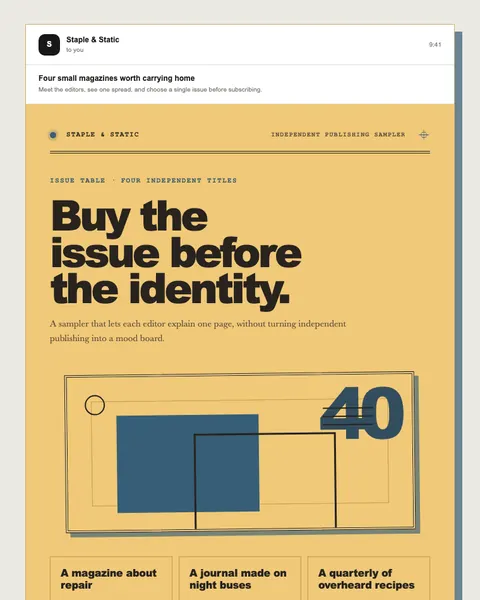
Product & offer / marketing
Independent publishing sampler
Creative-city zine subscription campaign
Open published preview ↗A friendly starting point still needs a careful boundary between a proposed draft and an action on a real account.
Use the actual product details and audience context.
Keep commercial facts exact and flag missing inputs.
Confirm current client support, access scope, data handling, and human review.
Prepare a launch draft from approved product facts. Do not infer prices, availability, or urgency. Show sources and the proposed changes, then ask for review. Do not schedule or send.
Prepare a launch draft from approved product facts. Do not infer prices, availability, or urgency. Show sources and the proposed changes, then ask for review. Do not schedule or send.
Workflow guidance, not a claim of a verified public connector. Confirm connection, workspace, identity, and permissions before using any assistant with an account.
Real entries in the public library. Preview each design, choose its delivery flow, and replace illustrative content with your approved facts.
Creative-city zine subscription campaign
Open published preview ↗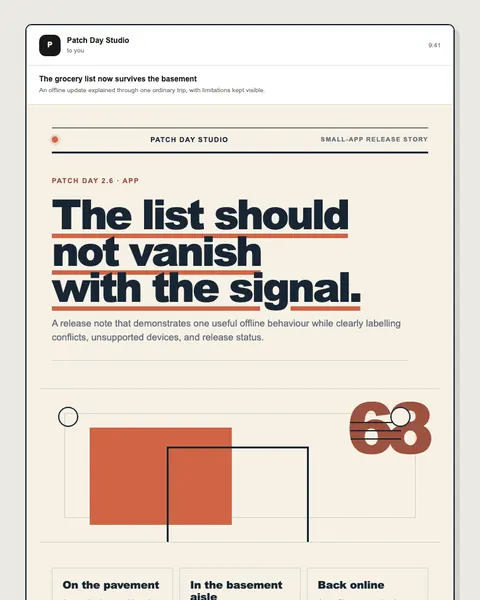
Consumer app feature announcement
Open published preview ↗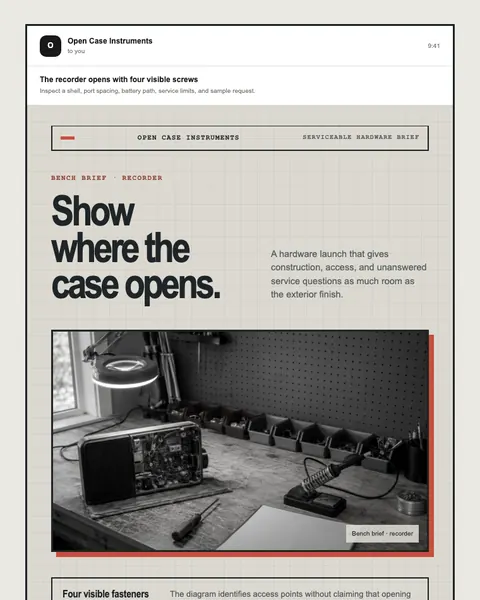
Modular field recorder announcement
Open published preview ↗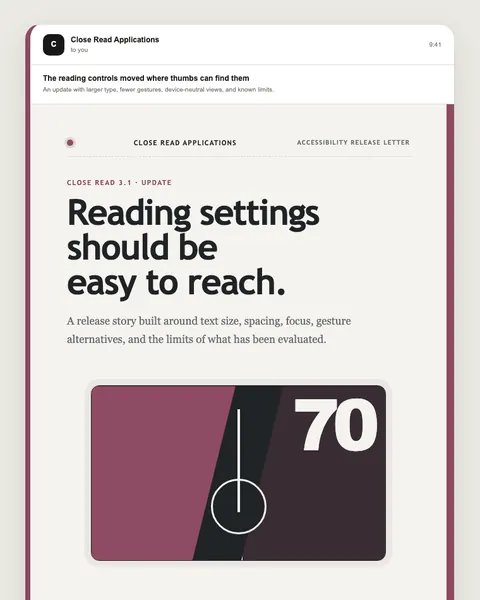
Reading app update campaign
Open published preview ↗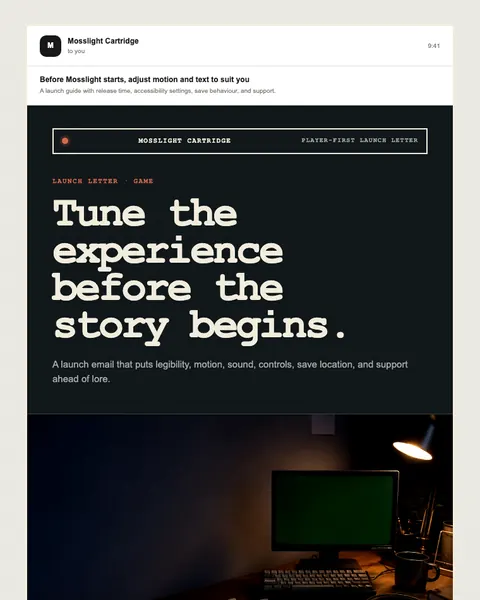
Independent game release campaign
Open published preview ↗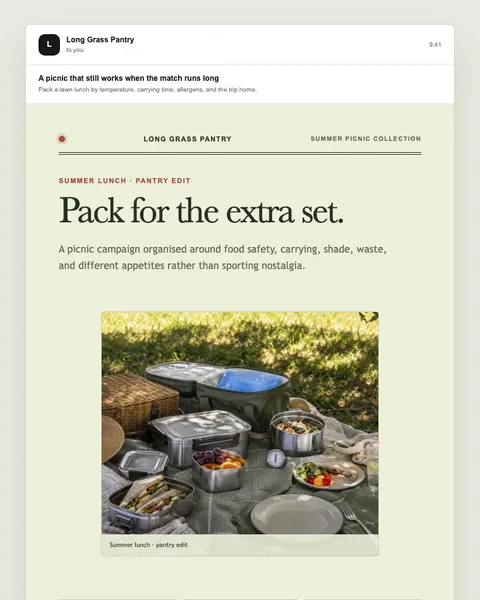
Food retailer seasonal campaign
Open published preview ↗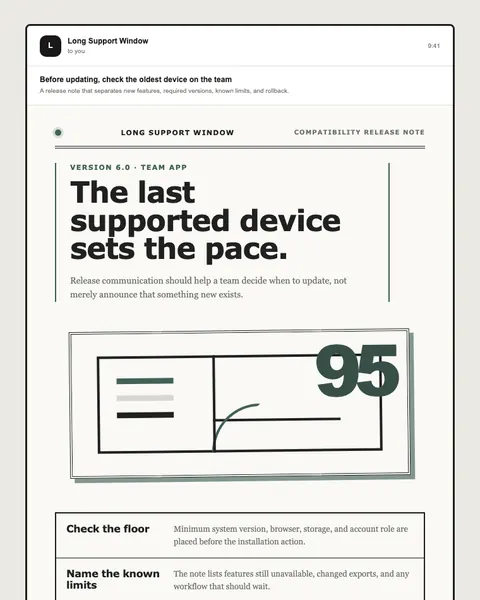
Software update education campaign
Open published preview ↗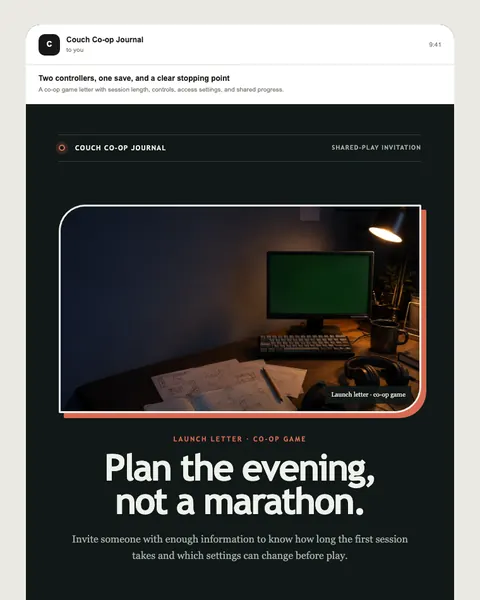
Independent game launch campaign
Open published preview ↗These are starting points, not a claim of a completed or activated campaign. Studio examples may need structural changes for your use case.
Talk to Moosewave about your workflow. For technical context, see documentation and security.