Community & participation / marketing
Public-interest funding note
Community water-project newsletter
Open published preview ↗A personal agent can begin with the goal. A qualified connection still needs an explicit permission and review model.
Name the customer moment and the intended audience.
List the template, brand examples, permissions, and source events.
Verify compatible transport, sign-in, allowed tools, and revocation before any real connection.
Prepare a welcome draft using the approved invitation and brand examples. List missing context, preserve preferences, and ask me to review. Do not connect an account or send a message.
Prepare a welcome draft using the approved invitation and brand examples. List missing context, preserve preferences, and ask me to review. Do not connect an account or send a message.
Workflow guidance, not a claim of a verified public connector. Confirm connection, workspace, identity, and permissions before using any assistant with an account.
Real entries in the public library. Preview each design, choose its delivery flow, and replace illustrative content with your approved facts.
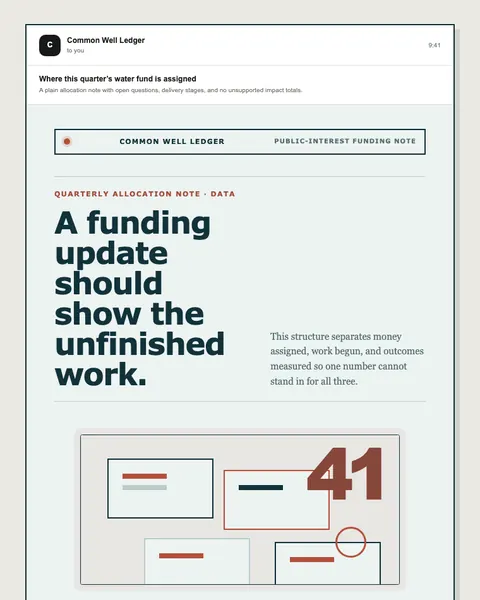
Community water-project newsletter
Open published preview ↗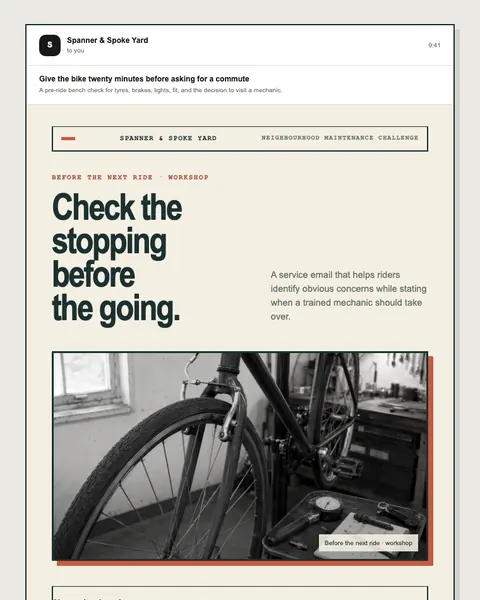
Bicycle workshop service campaign
Open published preview ↗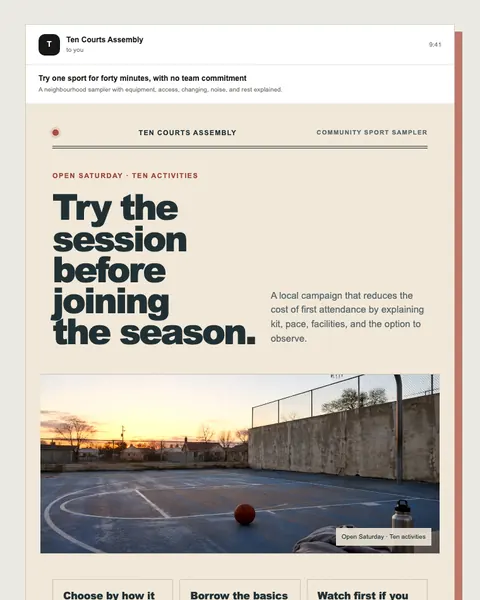
Local multi-sport participation campaign
Open published preview ↗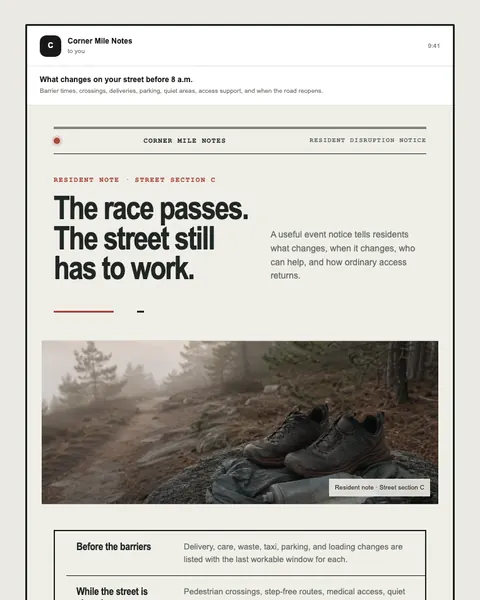
Neighbourhood event operations campaign
Open published preview ↗These are starting points, not a claim of a completed or activated campaign. Studio examples may need structural changes for your use case.
Talk to Moosewave about your workflow. For technical context, see documentation and security.