Community & participation / marketing
Public-interest funding note
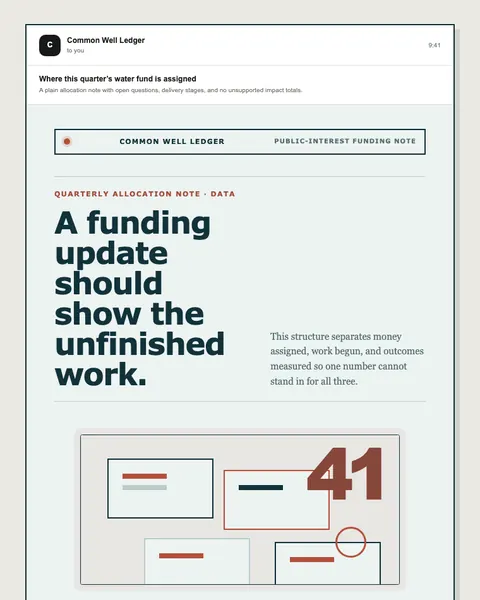
Community water-project newsletter
Open published preview ↗Start a relationship with the invitation the person actually accepted.
Try all three views now. The draft and decision stay together when you switch.
Fictional Northline workspace. Interactive examples, not a signed native release or a real campaign. Nothing is saved or sent.
A considered launch for people who asked to hear from Northline.
Changing the subject creates a new version and clears its checks and approval. It cannot change a live account.
Meet the new Northline collection. A few useful pieces for the plans you make on Friday.
Primary action: explore the collection. Product sheet and final destination still need a human check.
The web link requires your authorised account. Mobile and desktop are usable interactive views here; native store listings and signed downloads are not offered.
Use the actual invitation and channel permission.
Explain the next action without promising an unsupported benefit.
Name its entry rule, delay, exits, and owner before activation.
Prepare a welcome for this signup source. Use the invitation they accepted, explain what comes next, preserve preference links, and ask for review before activating any follow-up.
Prepare a welcome for this signup source. Use the invitation they accepted, explain what comes next, preserve preference links, and ask for review before activating any follow-up.
Use your own approved source records. This page does not connect an assistant, activate a journey, or send email.
Real entries in the public library. Preview each design, choose its delivery flow, and replace illustrative content with your approved facts.
Community water-project newsletter
Open published preview ↗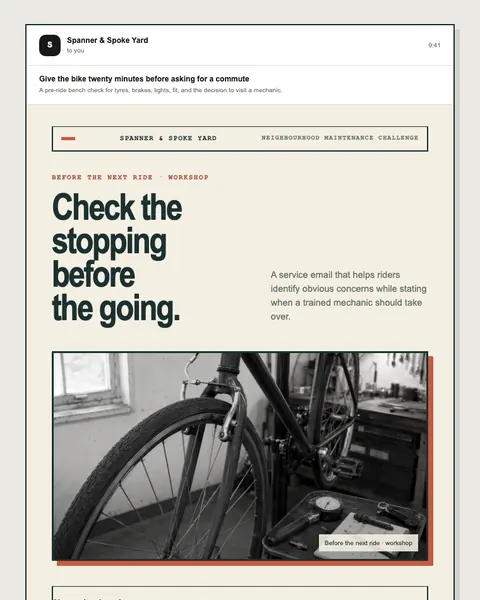
Bicycle workshop service campaign
Open published preview ↗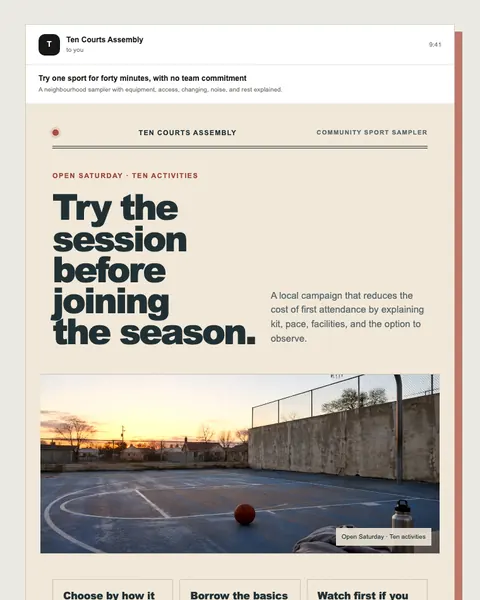
Local multi-sport participation campaign
Open published preview ↗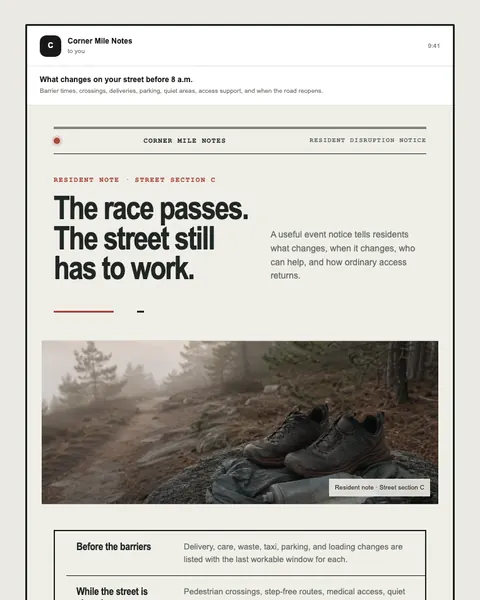
Neighbourhood event operations campaign
Open published preview ↗These are starting points, not a claim of a completed or activated campaign. Studio examples may need structural changes for your use case.
Talk to Moosewave about your workflow. For technical context, see documentation and security.