Orders & delivery / transactional
Trade-in confirmation
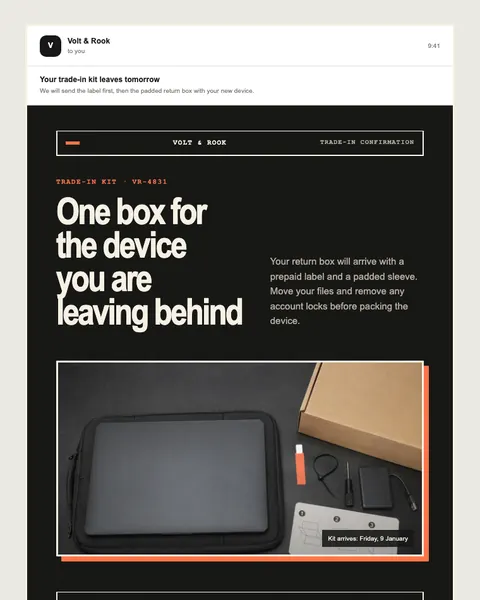
Electronics trade-in kit requested after a new-device order
Open published preview ↗When someone needs a receipt or order update, clarity is the feature. Put the state, reference, amount, and next action where they can be found.
Check which transaction or order state actually changed.
Keep identifiers, amounts, dates, and recovery routes exact.
Do not silently turn an essential update into a marketing campaign.
Prepare an order update from the supplied transaction record. Preserve identifiers, amounts, dates, and support links. Do not add a marketing offer.
Prepare an order update from the supplied transaction record. Preserve identifiers, amounts, dates, and support links. Do not add a marketing offer.
Use your own approved source records. This page does not connect an assistant, activate a journey, or send email.
Real entries in the public library. Preview each design, choose its delivery flow, and replace illustrative content with your approved facts.
Electronics trade-in kit requested after a new-device order
Open published preview ↗
Store collection moved to a staffed desk after a locker outage
Open published preview ↗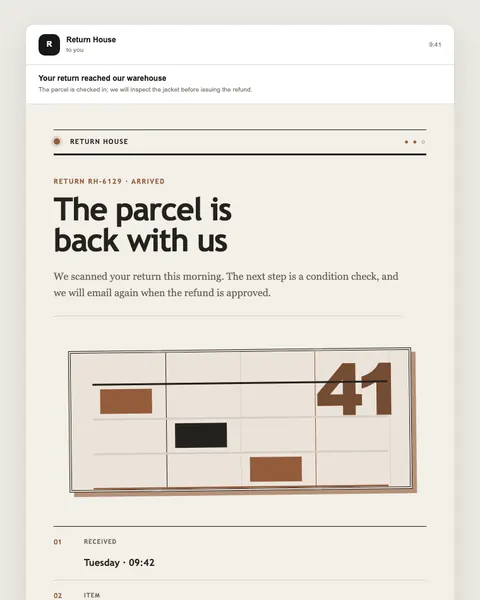
Retail return scanned at a parcel counter before inspection
Open published preview ↗
Engineering sample shipment requiring a signature
Open published preview ↗
Preordered picnic hamper ready near a public sports ground
Open published preview ↗
Handmade tile samples delivered with color-variation and return guidance
Open published preview ↗
Live plant order held back during a damaging cold spell
Open published preview ↗
Farm basket collection moved earlier during an extreme-heat day
Open published preview ↗These are starting points, not a claim of a completed or activated campaign. Studio examples may need structural changes for your use case.
Talk to Moosewave about your workflow. For technical context, see documentation and security.